Robbins 3D Viewer
A downloadable tool for Windows
*Updates are Below Near the Comment Section....
Quick Setup Video: https://vimeo.com/1156077165?fl=ip&fe=ec
ROBBINS 3D VIEWER
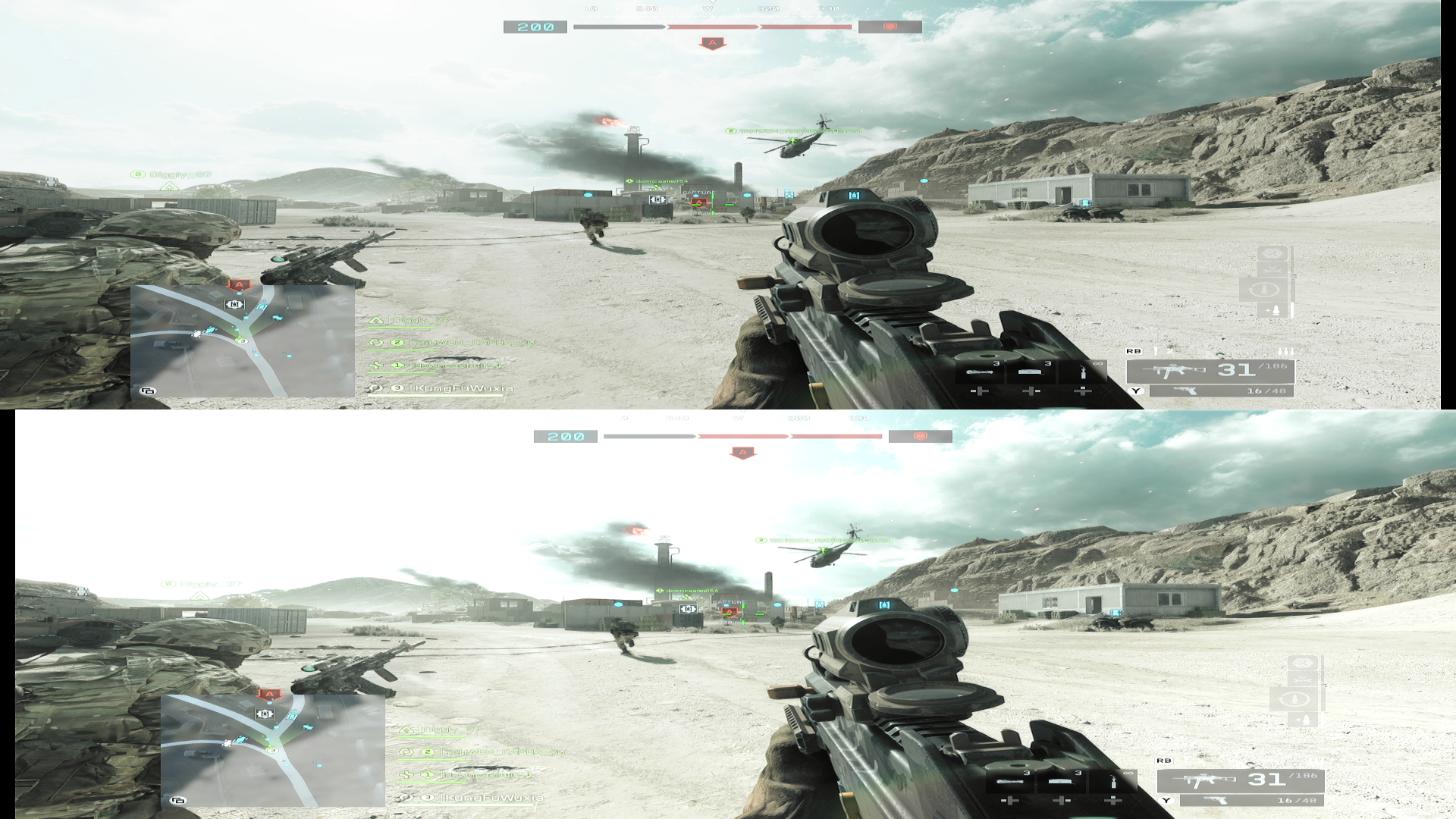
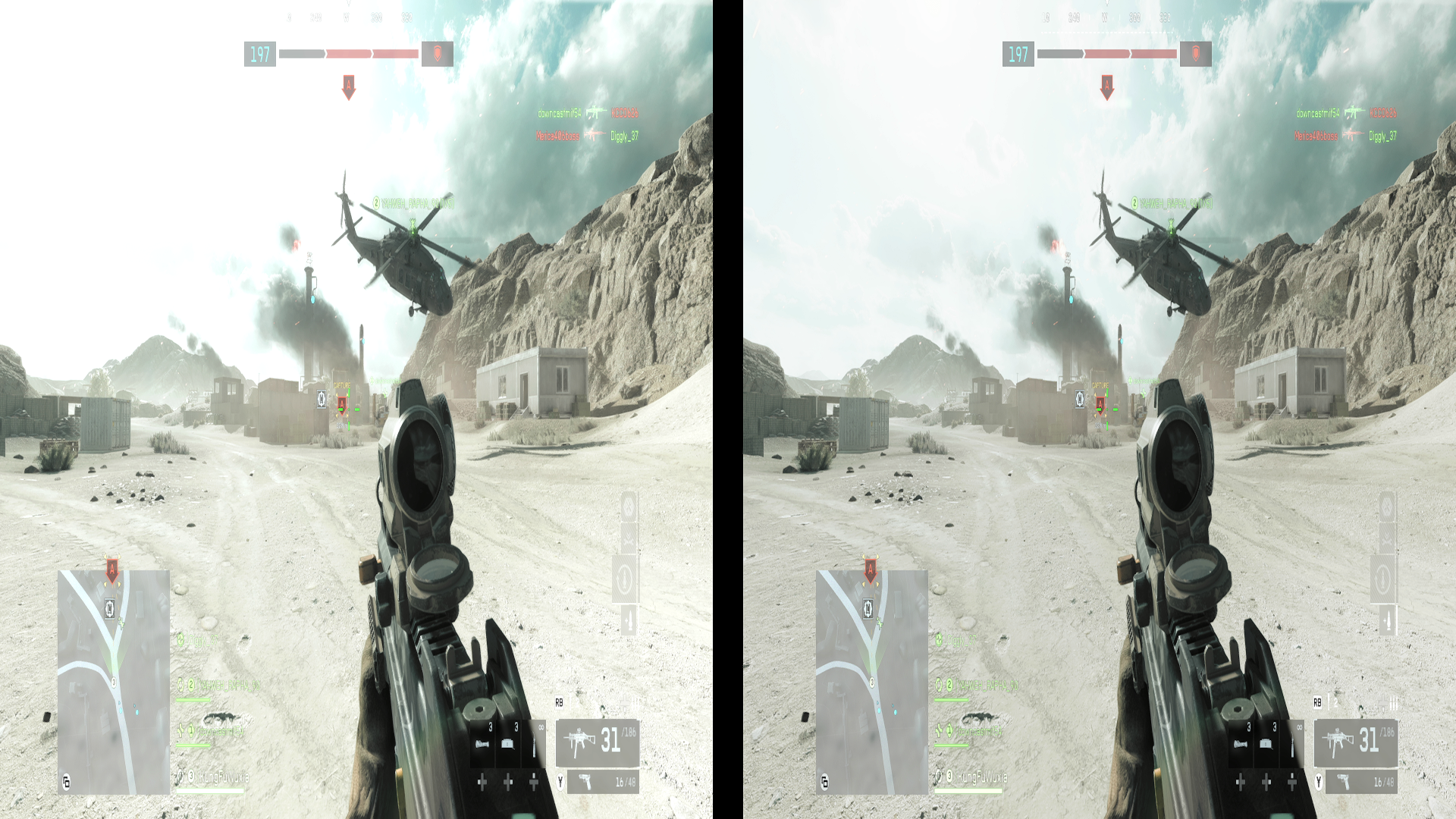
Real‑Time Stereoscopic 3D for VR & 3D Projectors
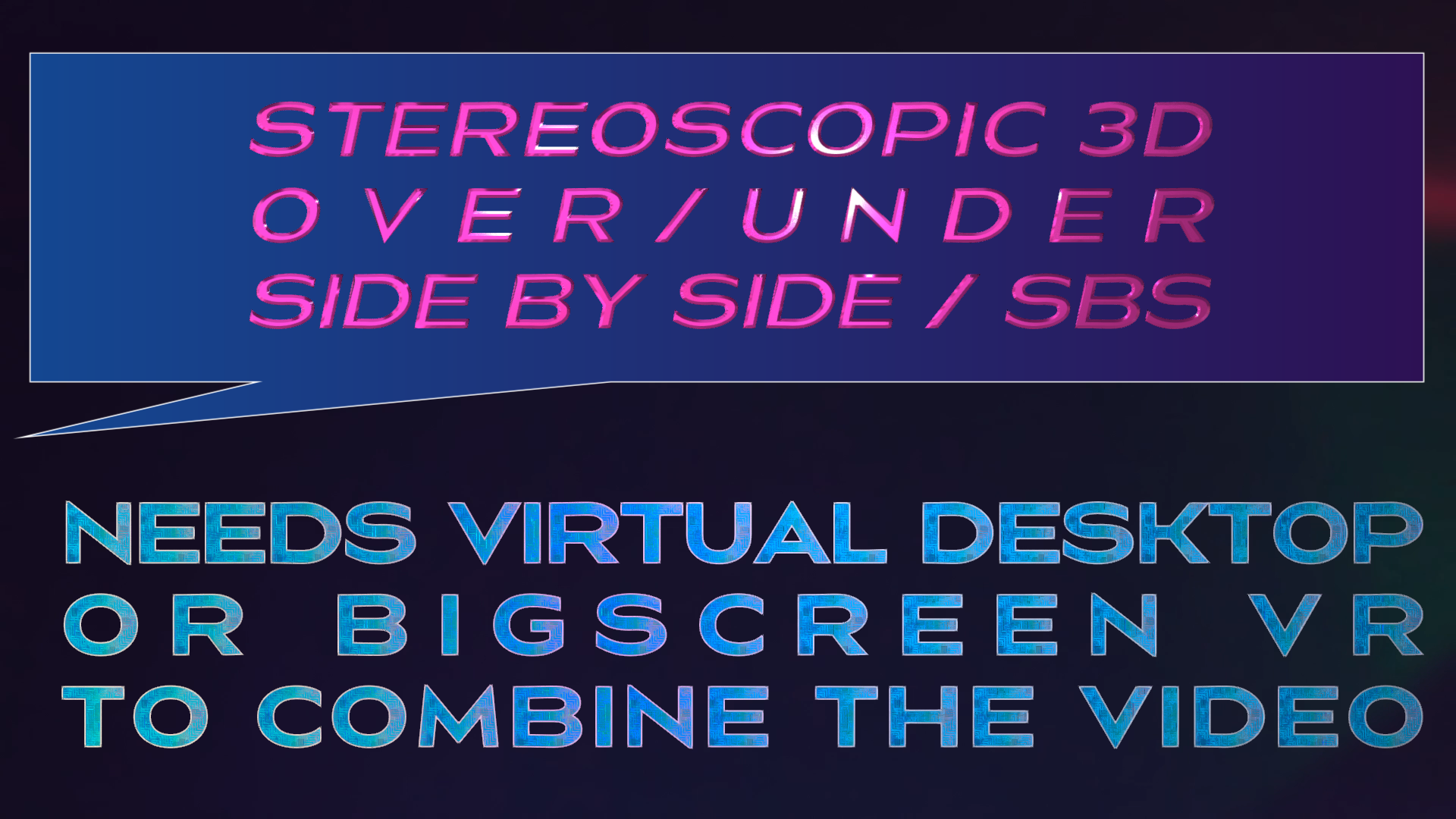
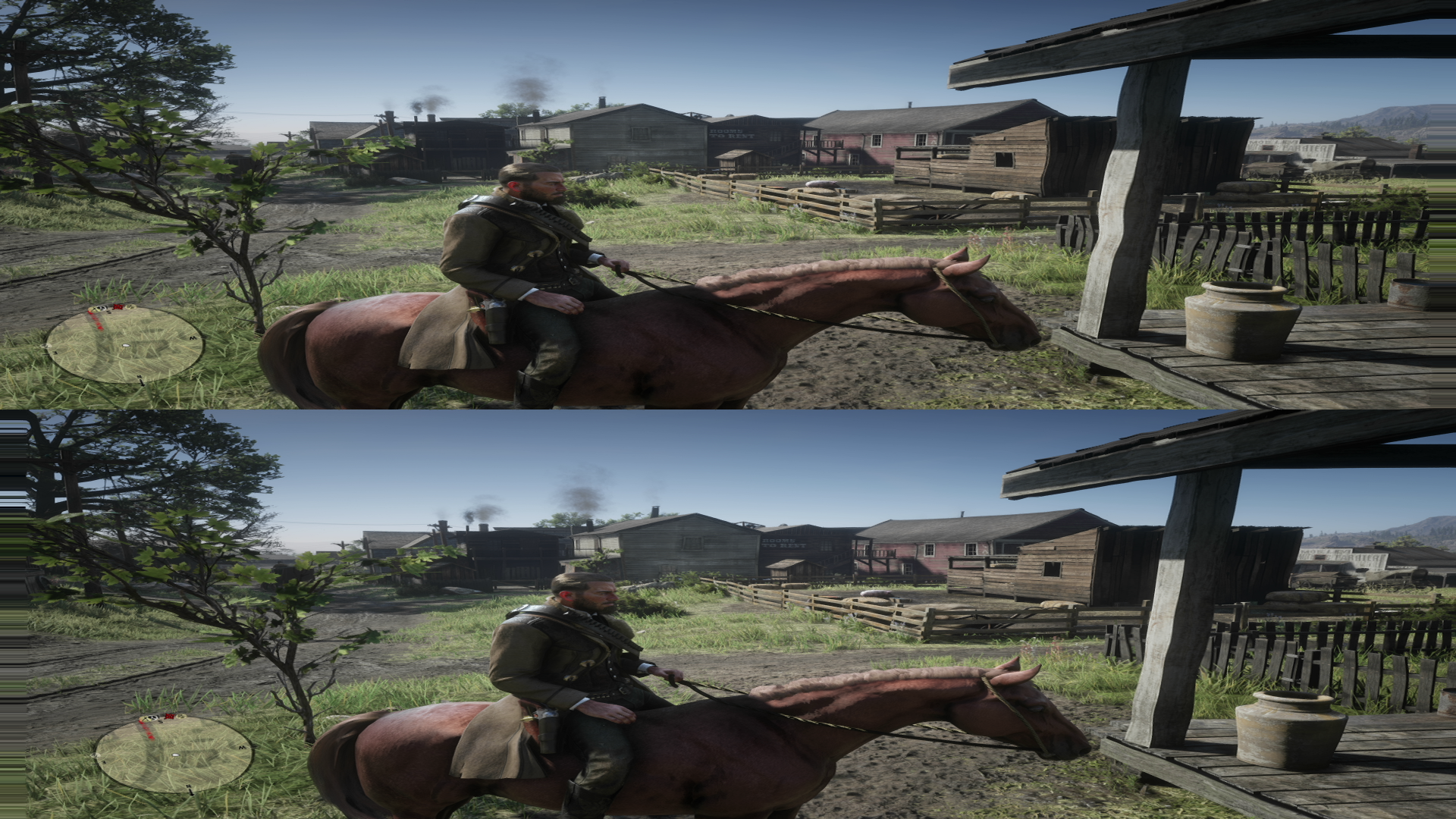
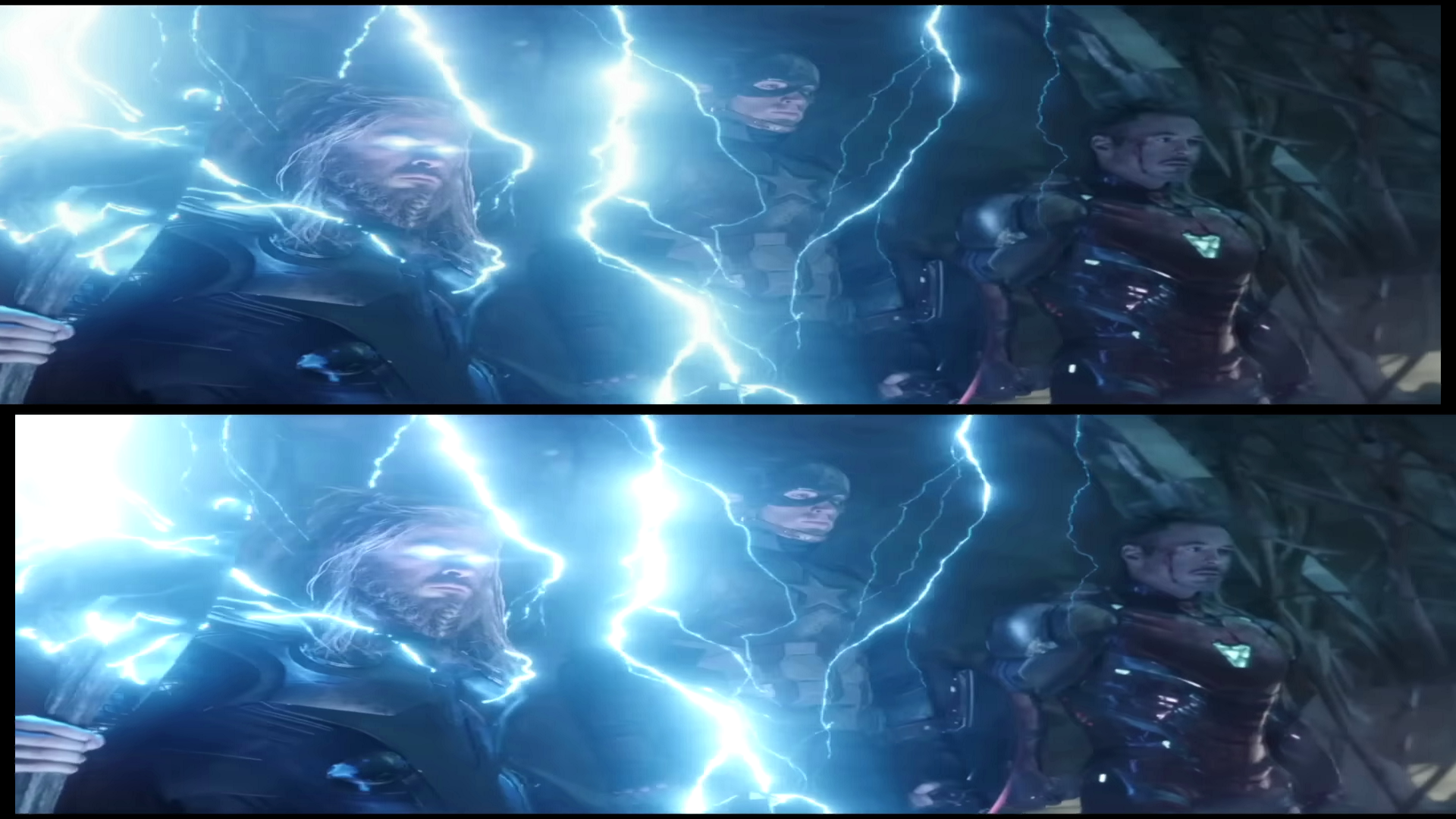
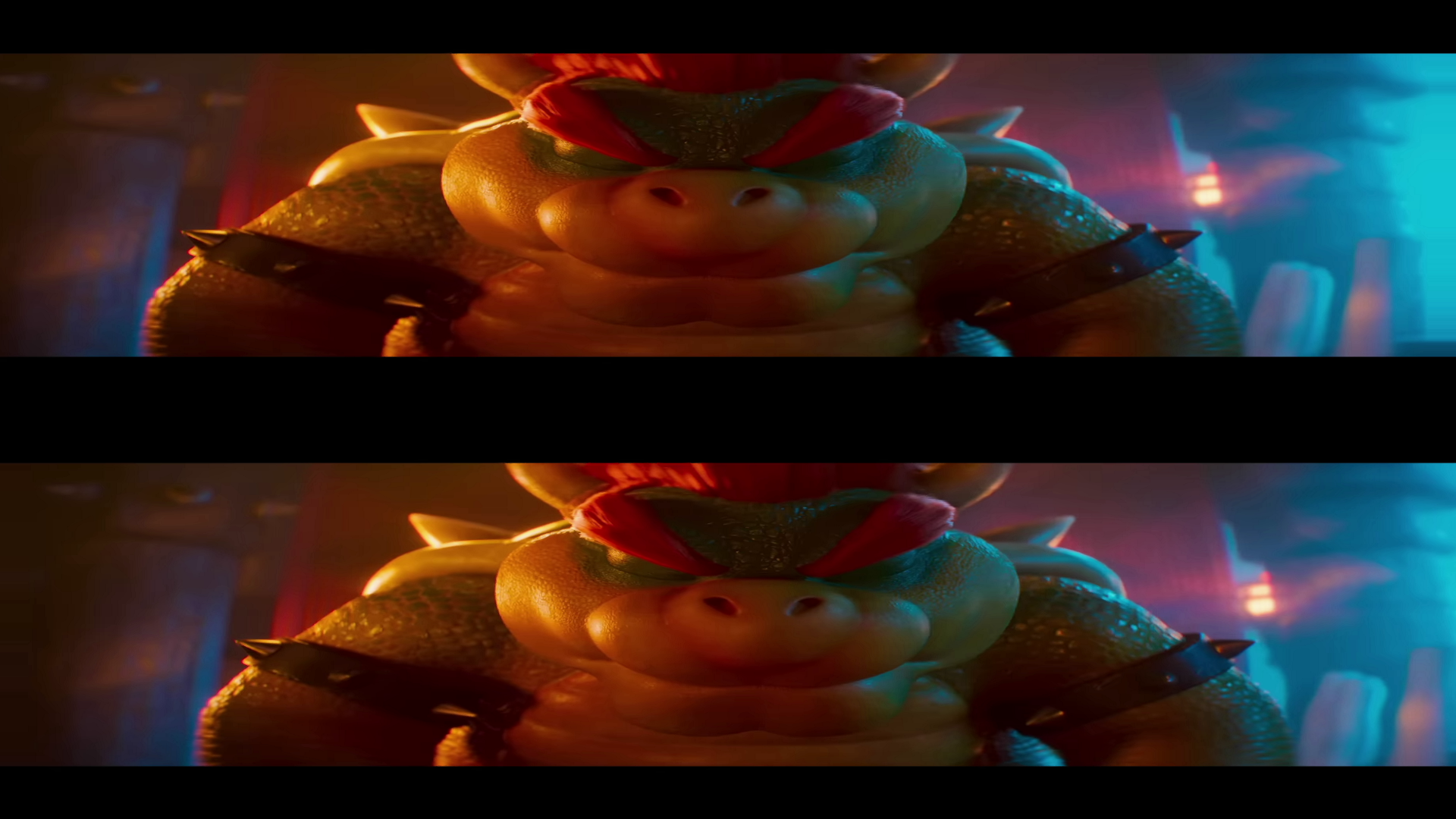
Robbins 3D Viewer lets you watch any HDMI device in stereoscopic 3D using a VR headset or a 3D‑Ready Home Projector. Connect your Gaming Console, Blu‑ray player, Roku, or any HDMI source into a compatible VIDEO CAPTURE DEVICE, and the app converts the live feed into Over/Under (OU) or Side‑by‑Side (SBS) 3D instantly.
Works with Virtual Desktop, Bigscreen VR, SteamVR, and any projector that supports OU/SBS 3D merging.
FEATURES
- Real‑time stereoscopic 3D conversion (OU & SBS)
- Supports VR headsets and 3D‑Ready Home Projectors
- Works with Gaming Consoles, Blu‑ray players, Roku, and more
- Low‑latency pipeline for smooth playback
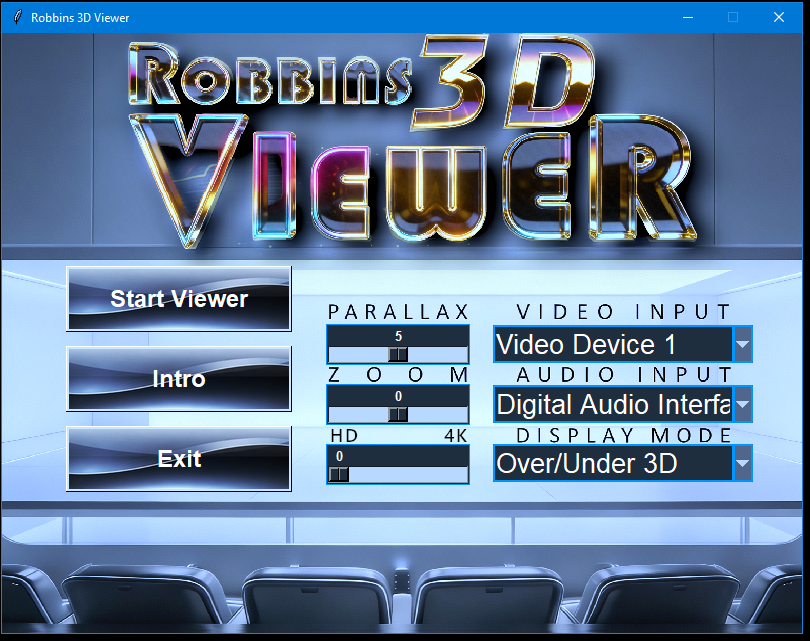
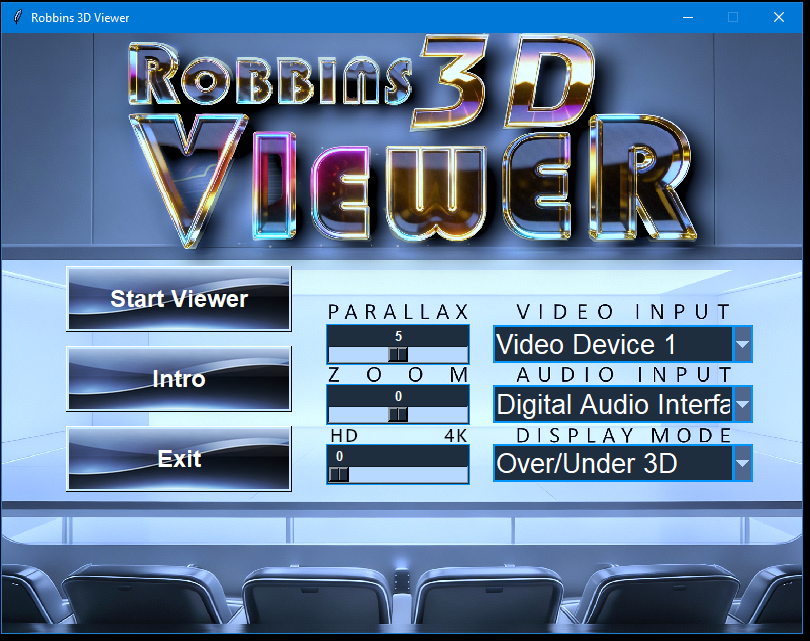
- Adjustable Parallax Shift for depth control
- Zoom slider for removing letterbox bars
- Clean, simple interface — no clutter, no complexity
REQUIREMENTS
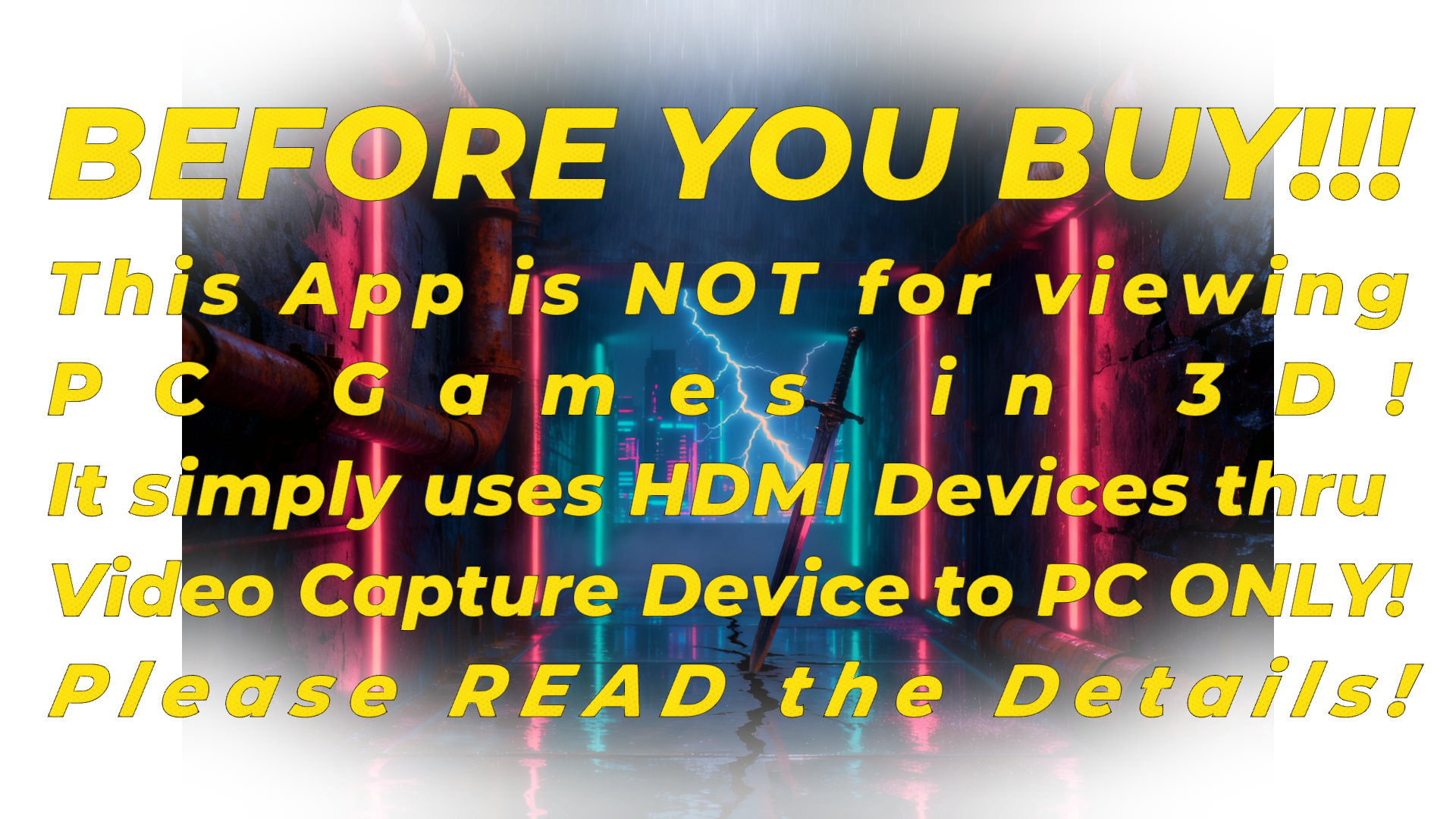
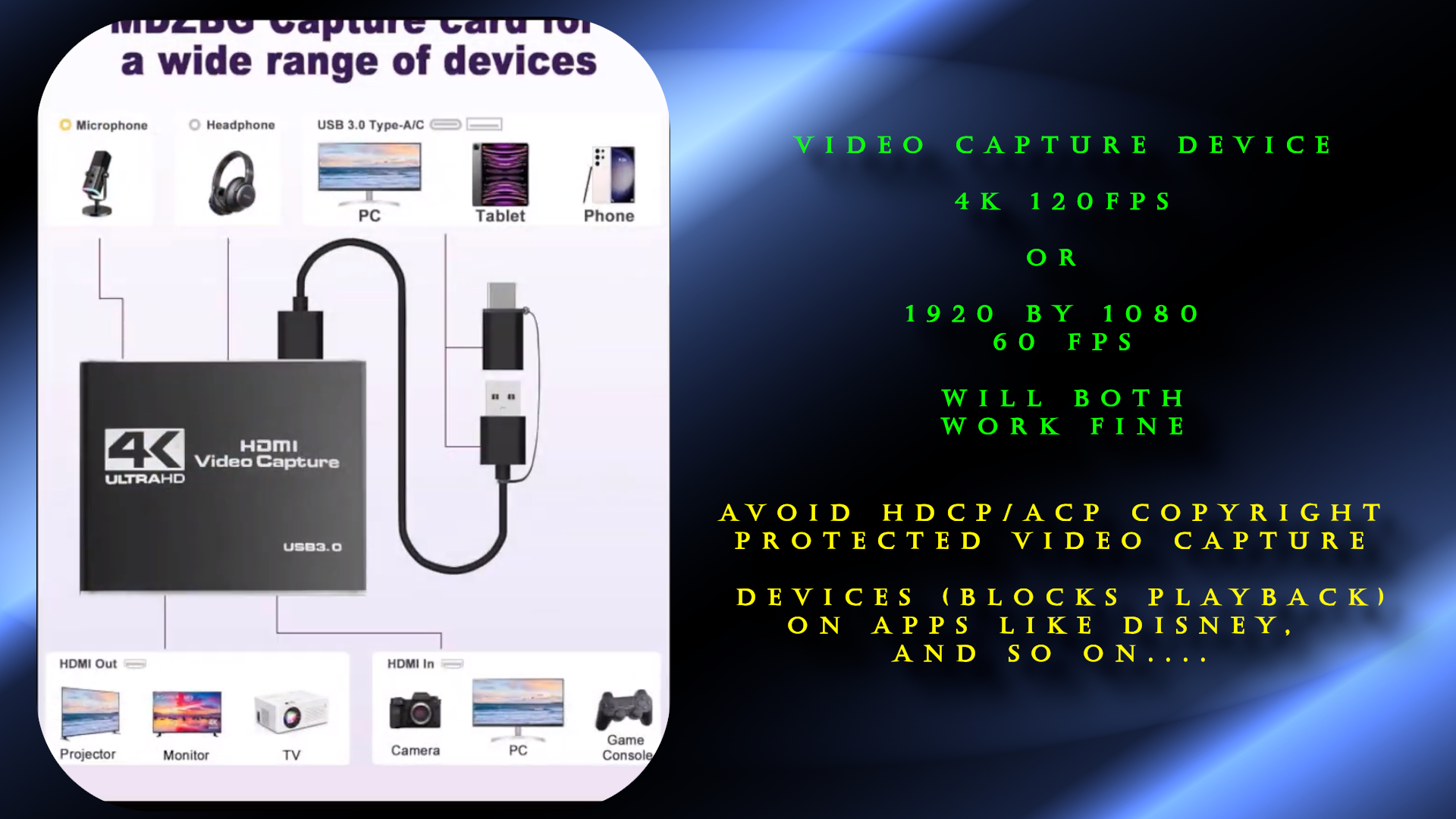
1. A Compatible VIDEO CAPTURE DEVICE (IMPORTANT!)
Your VIDEO CAPTURE DEVICE must be a UVC-compatible capture card.
This includes:
Standard UVC webcam-style capture cards
MJPEG-based UVC capture devices
H.264 hardware-encoded UVC capture devices
If Windows detects it as a USB Video Class (UVC) device,
the viewer can use it.
SUPPORTED phrases in product listings:
"UVC"
"USB Video Class"
"Plug and Play"
"Works with OBS"
"No drivers needed"
"USB 3.0 video capture"
"Recognized as webcam"
"MJPEG capture"
"H.264 capture"
NOT SUPPORTED (these are NOT capture cards):
"HDMI passthrough"
"Zero latency passthrough"
"USB for power only"
"HDMI splitter"
"HDMI switch"
"Console to TV"
"PC to TV"
"HDMI loop out only"
"Had a few Video Capture Devices not work, so may be hit or miss,
If the listing does not mention UVC, USB video, or OBS compatibility,
it will not work. One of the best VCD I have I can't find online anymore because
they force HDCP protection now, which makes some apps block or lock out.
Message me if you need help on recommended VCD on Discord or itch.io
GOLDEN RULE:
If the product does not say "UVC" or "Works with OBS",
it is not a real capture card.
////////////////////////////////////////////////////////////
HDCP WARNING
////////////////////////////////////////////////////////////
Some capture devices respect HDCP and will block protected content.
Games: OK
Desktop: OK
Movie apps: Black screen
Streaming devices: Black screen
These devices still work for gaming but not for protected video.
2. HDMI Source
Any device that outputs HDMI without HDCP:
- Gaming Consoles (Xbox, PlayStation, Switch docked)
- Blu‑ray players
- Roku / Fire Stick
- Streaming boxes
- Retro consoles with HDMI mods
3. VR Software or Projector
Works with: (Must use with an environment that combines O/U or SBS)
- Virtual Desktop (PC or Steam version)
- Bigscreen VR
- SteamVR video players
- 3D‑Ready Home Projectors that support OU/SBS merging
PERFORMANCE TIP (META QUEST 3)
For the smoothest experience:
Use the Steam Link App inside the Quest 3 → connect to Steam → run Virtual Desktop (Steam version) or Bigscreen through Steam.
This gives the best frame pacing and lowest stutter.
Latency Note: Any delay between PC and headset is caused by your Wi‑Fi network, not the viewer. The app itself runs at extremely low latency.
WHAT IT DOES
Robbins 3D Viewer takes a live HDMI feed and transforms it into immersive stereoscopic 3D in real time. Perfect for:
- Gaming in 3D
- Watching movies in OU/SBS
- Using streaming apps in VR
- Feeding 3D‑Ready Projectors
- Retro gaming in stereoscopic depth
Simple setup. Clean interface. -just pure 3D.
Purchase
In order to download this tool you must purchase it at or above the minimum price of $20 USD. You will get access to the following files:
Development log
- UPDATE 2/28/2629 days ago
- UPDATE 2/15/202642 days ago
- UPDATE 2/6/2651 days ago
- UPDATE! 1/31/202656 days ago
- UPDATE! 1/27/202661 days ago
- UPDATE! CLICK TO READ62 days ago
Comments
Log in with itch.io to leave a comment.
This is incredible! So amazing playing console games tonight in 3D. Well done, sir! The description (or maybe your vimeo) mentioned your discord. I couldn't see a link to it. Wondering if you would mind posting an invite link?
Hey, Glad you like it. I been tinkering with it and I got the depth even better than that now. But may take me a few days to a week to dial in some changes. Text suffers the higher the depth, but working on fine tuning. Ill try to let people know when I update. https://discord.gg/w46kBuGse
Thanks for the link! Glad to hear you're dialing in more refinements.
READ UPDATE ABOVE^